
Centralized Laboratory Equipment Management: More Efficient, Safer, and Cost-Effective
.avif)
Increased efficiency and cost reduction through centralized management of laboratory equipment
In modern laboratories, efficiency and precision are not only desirable but essential. Every laboratory strives to deliver the highest quality analyses and research results quickly and efficiently, but this goal is often hampered by inefficient administrative processes. Laboratory equipment is an expensive investment, and its management often consumes more time and resources than necessary. This includes equipment maintenance, logbook management, and equipment usage planning, which are often complicated by manual processes and inconsistent standards.
Centralized management of laboratory equipment offers a solution to overcome these challenges by creating a unified platform for all equipment information and processes. However, despite its obvious benefits, implementing such a system in practice is fraught with numerous challenges. Differing interfaces and data formats from manufacturers, as well as the lack of a consistent software solution, frequently present obstacles.
This article examines the core problems associated with traditional instrument management and provides a detailed look at practical solutions and tools that lab managers can use to streamline their processes and significantly reduce costs. We will explain the differences between centralized management and control, discuss the advantages and disadvantages of existing management systems such as Microsoft 365, and demonstrate how specialized software solutions like LabThunder can improve instrument availability without increasing complexity and cost.
Difference between central administration and central control of laboratory systems
Before we delve deeper into the topic, it is important to distinguish between central administration and central control:
Centralized management means that all device data and processes are recorded and managed in one central location. This includes, for example, the digitization of logbooks, maintenance plans, and documentation.
Central control, on the other hand, involves the direct control of the devices via central software. Chromatography data systems (CDS) are an example of this. LabSolutions from Shimadzu or Chromeleon from Thermo Fisher, which directly control HPLC or GC instruments.
The biggest problem: Each manufacturer uses different control methods and data formats. Complete centralized control of all systems and manufacturers (including Microsoft systems, for example) is therefore currently impossible. However, effective centralized management can be implemented – and that is precisely what this article is about.
Equipment Management: The Key to Better Management
Once a laboratory reaches a certain size, structured equipment management becomes essential. It not only ensures order but also protects the laboratory's valuable investments. Well-planned equipment management helps with this:
• To extend the lifespan of the devices through regular maintenance
• To avoid breakdowns and unnecessary repair costs
• To store important information centrally in order to preserve knowledge in the laboratory
• To reduce service and support costs by making maintenance histories quickly accessible.
The central administration of a laboratory includes, among other things, digital logbooks to efficiently document maintenance and usage, structured storage of all relevant equipment documentation, and the implementation of booking systems that transparently organize maintenance, general usage, and repairs.
Ideally, a system for the central management of laboratory equipment also includes the ability to efficiently manage and access equipment knowledge.
But what is the best way to implement such an administration? In the following sections, we present three tried and tested solutions that have already proven themselves in practice – with their respective strengths and weaknesses.
Microsoft 365 as a solution for centralized device management in the laboratory?
Many laboratories rely on Microsoft 365 because it's already present in most companies and therefore doesn't incur additional licensing costs. But can Microsoft 365 actually serve as an equipment management system?
Microsoft Excel: Practical, but with limitations
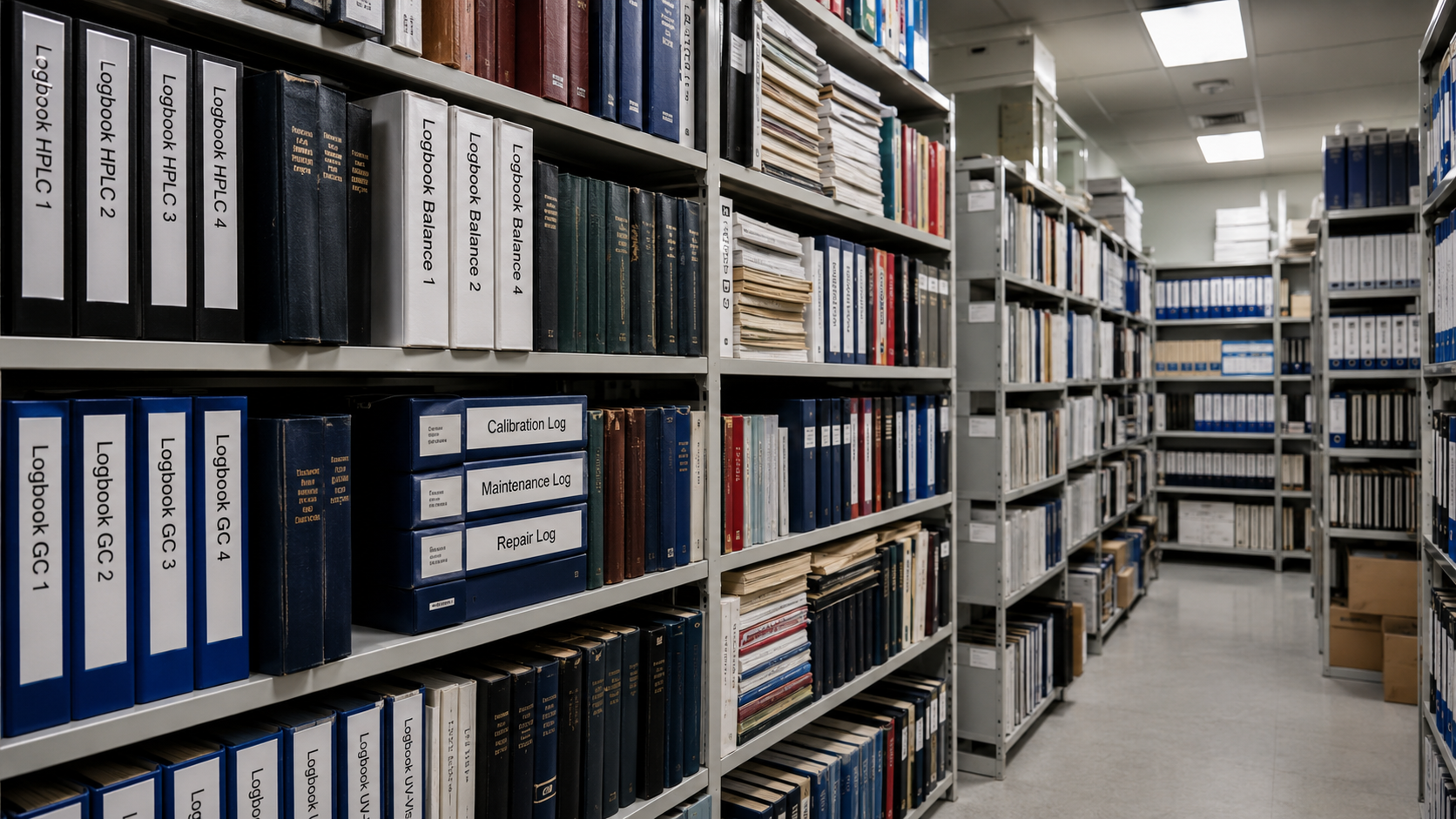
Excel is widely used for managing lists of laboratory equipment, maintenance schedules, and calibrations. While spreadsheets can theoretically be created for any type of equipment, there are significant drawbacks:
• Lack of data integrity: Manual entries can lead to errors or duplicate records.
• No automatic history tracking: Maintenance data or changes are not traceable, as Excel does not offer automatic logging.
• Lack of scalability: While Excel still works for small laboratories, it quickly becomes unwieldy with hundreds of devices.
This means that while Excel offers a fast and inexpensive way to manage device information, it quickly reaches its limits.
[[image-1]]
Outlook: Useful for reminders, but not a complete system
Another frequently used Microsoft tool is Outlook, especially for organizing maintenance appointments and reminders. This can be useful, but it also has limitations:
• Manual appointment management: Maintenance appointments must be created and updated manually.
• No device status link: An Outlook appointment may indicate maintenance, but there is no automatic link to the actual status of a device.
• Lack of process integration: After maintenance is completed, the status must be manually updated in other tools.
While Outlook can be helpful, it lacks the option of dynamic and automated scheduling for equipment management.
Microsoft Forms: Suitable for reporting problems, but with weaknesses
Microsoft Forms allows you to create forms for recording fault reports or maintenance requests. However, it also has clear disadvantages:
- Data remains isolated: The collected forms are not linked to other systems and must be processed manually.
- No automated workflows: A report must be processed and forwarded by a person, instead of automatically going to the responsible technician.
- Limited analysis functions: There is no way to evaluate trends or frequent disruptions over a longer period of time.
Conclusion: Microsoft 365 as equipment management?
Microsoft 365 offers some options for managing laboratory equipment, but it is not designed as a professional equipment management system. While Excel, Outlook, and Forms can provide short-term solutions for smaller laboratories, they lack essential features such as an integrated equipment history, automatic maintenance scheduling, and networked process integration.
In the next section, we will look at alternatives to Microsoft 365 and introduce specialized solutions that enable truly efficient central management of laboratory equipment.
Alternative software solutions: Between comprehensive LIMS and specialized solutions
Many laboratories rely on large laboratory information and management systems (LIMS) because they promise comprehensive management of all laboratory processes. These systems offer not only instrument management but also sample tracking, documentation, and analytical functions. However, this very versatility can prove to be a disadvantage.
The disadvantage of comprehensive LIMS systems
Large LIMS solutions usually also include centralized data management, which means that all laboratory data must be integrated into the system. This presents several challenges:
- High complexity: Implementation and adaptation to individual laboratory needs can be expensive and time-consuming.
- Data sovereignty and dependency: Laboratories are often forced to entrust all their data to a single system, which can limit flexibility.
- Costly: Licensing fees, maintenance costs and training make LIMS solutions a significant financial investment.
[[image-2]]
Why specialized solutions can be an alternative
Instead of choosing a comprehensive system, many laboratories opt for specialized software solutions that focus specifically on instrument management. These systems often offer:
- Targeted functions for device management without unnecessary additional features.
- Modular adaptability allows them to be flexibly combined with existing systems.
- Lower costs compared to large LIMS solutions, as they only cover the essentials.
LabThunder: A specialized solution for the centralized management of laboratory equipment
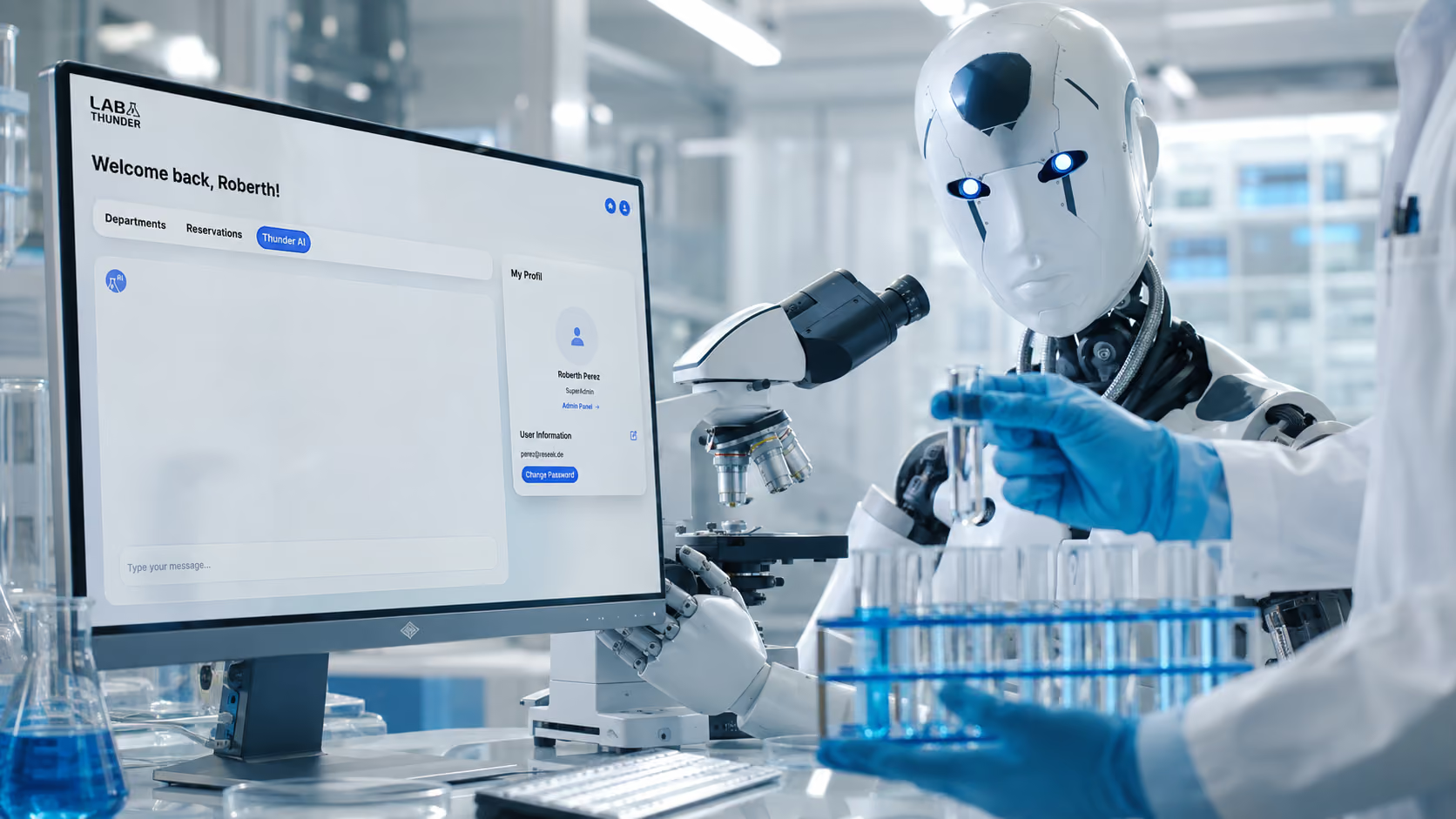
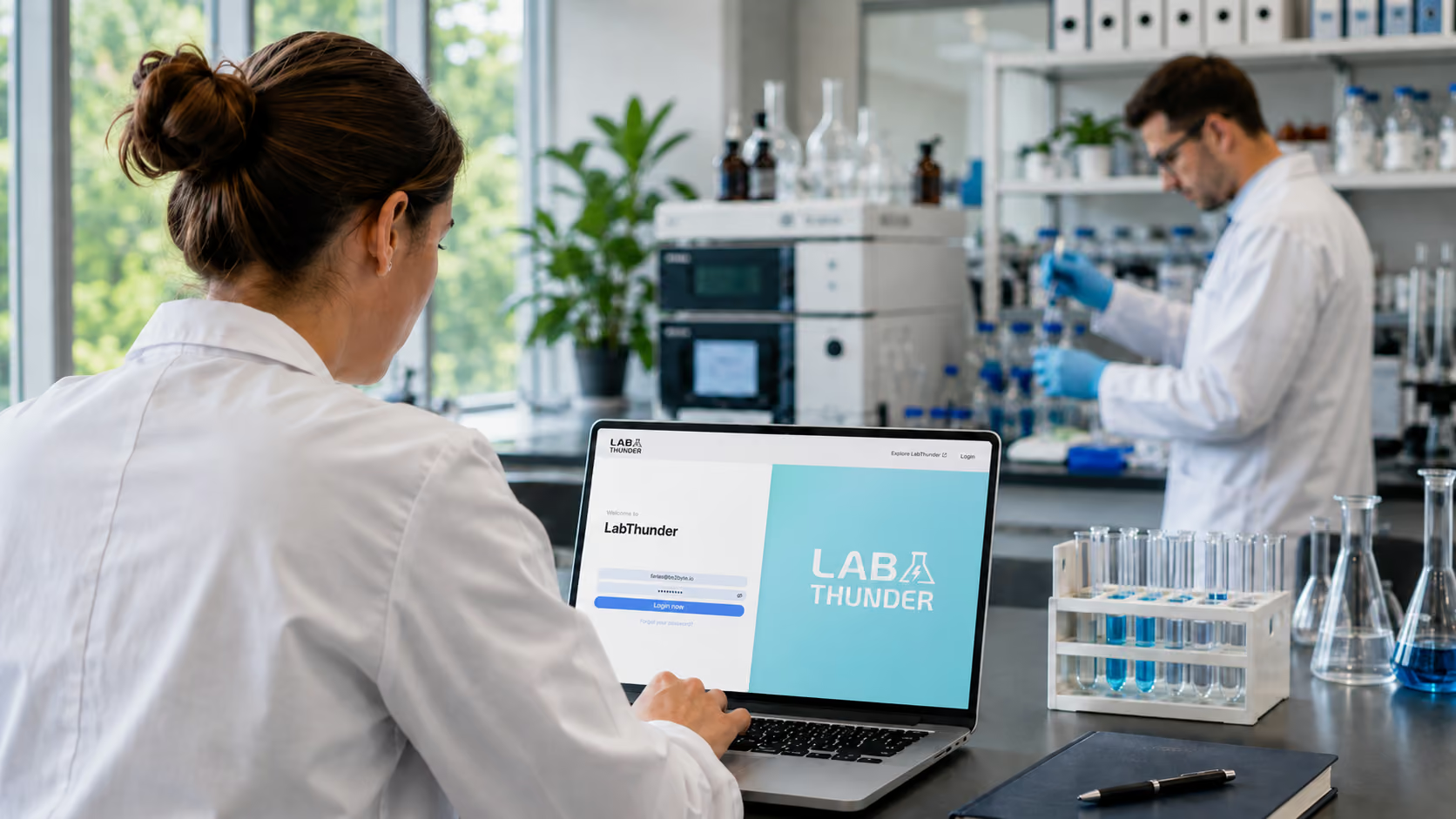
LabThunder is a comprehensive laboratory asset management system specializing exclusively in equipment and asset management. LabThunder considers not only the equipment itself as valuable resources, but also the knowledge about that equipment as an essential asset.
By utilizing modern AI-based technologies, LabThunder enables fast and efficient access to all relevant equipment information. The software aims to eliminate any waste in equipment management, reduce costs, and significantly increase laboratory productivity.
While comprehensive LIMS systems offer many features, many laboratories are looking for a streamlined and flexible solution that focuses specifically on managing laboratory equipment. This is precisely where LabThunder comes in.
LabThunder is a specialized software for the central management of laboratory equipment that does without unnecessary additional functions and can be seamlessly integrated into existing laboratory processes.
Why LabThunder is an alternative to LIMS
LabThunder also offers a free version, allowing laboratories to familiarize themselves with the software without financial risk. This free version already includes many essential functions for structured instrument management and can be expanded as needed.
- Focused features: LabThunder offers efficient management of equipment, maintenance schedules, and logbooks – without complex data management systems that are not needed.
- Simple implementation: Unlike large LIMS solutions, LabThunder can be implemented quickly and adapted to the needs of the laboratory.
- Cost-efficient: Without the high licensing fees and maintenance costs of large systems, LabThunder remains an economically attractive solution.
- Data sovereignty remains with the laboratory: Instead of building a central database with comprehensive sample and analysis information, LabThunder focuses exclusively on instrument management.
The most important functions of LabThunder
- Automated maintenance planning: Avoid equipment failures by scheduling maintenance reminders.
- Digital logbooks: Document maintenance and malfunctions in real time. Fully GLP and ISO compliant.
- Flexible user rights: Assign roles and permissions to optimally control administration.
- Real-time device status: Keep track of the condition and usage of your laboratory equipment at all times.
LabThunder offers laboratory efficiency without unnecessary complexity and is therefore an ideal alternative to large, cumbersome LIMS systems.
Weighing the pros and cons of all-in-one solutions versus specialized solutions
Whether a comprehensive LIMS or a specialized solution is the better choice depends on individual laboratory requirements. While large LIMS systems can be advantageous for extensive laboratory structures, smaller or specialized laboratories often benefit from flexible and cost-effective alternatives. The crucial factor is choosing a solution that reduces actual administrative overhead rather than creating new challenges.
While Microsoft 365 can be a temporary solution, laboratories need a professional, database-driven platform for efficient device management in the long term. Large LIMS solutions such as LabWare LIMS, STARLIMS or LabVantage they offer many functions and can map extensive laboratory processes. However, they are often complex to implement and require careful adaptation to the individual needs of the laboratory. Furthermore, the tight dependence on a single software solution can limit flexibility in the face of future changes.
Another aspect of large LIMS systems is that they not only manage equipment but often also provide centralized data storage for all laboratory processes. While this offers advantages for some laboratories, it can also mean that existing systems and workflows need to be adapted, which can create additional work. In such cases, a specialized solution like LabThunder can be a sensible alternative for the centralized management of laboratory equipment. It focuses specifically on equipment management, integrates more easily into existing structures, and avoids the additional effort of a comprehensive data migration.
Conclusion: The best choice for your laboratory
While Microsoft 365 offers certain basic functions for managing laboratory equipment, it quickly reaches its limits as the number of devices increases. A professional software solution is the better choice in the long run to ensure efficiency, security, and transparency in your laboratory.
If you want to optimize the central administration of your laboratory, it's worth investing in specialized software. This will not only save you time and money, but also ensure that your laboratory operates efficiently and is future-proof.
.avif)
.avif)